
A Volunteer Management System for SaveCantonese
2025
Role
Product Designer
Timeline
5 Weeks
Team
1 Project Lead
5 Designers
8 Developers
Tools
Figma
Overview
I worked with my club, Nova for Good, to design and deploy a full-stack web application for SaveCantonese, a non-profit dedicated to preserving Cantonese language and culture.
Context
SaveCantonese manages countless volunteers
The organization runs a huge operation to execute their mission of preserving Cantonese heritage. They have accumulated hundreds of local chapters across the world to teach language and host events
These programs are operated in part by volunteers, which means that there are tons of people to manage. Each volunteer is given access to the Slack, which allows the organization to coordinate logistics and store sensitive information.
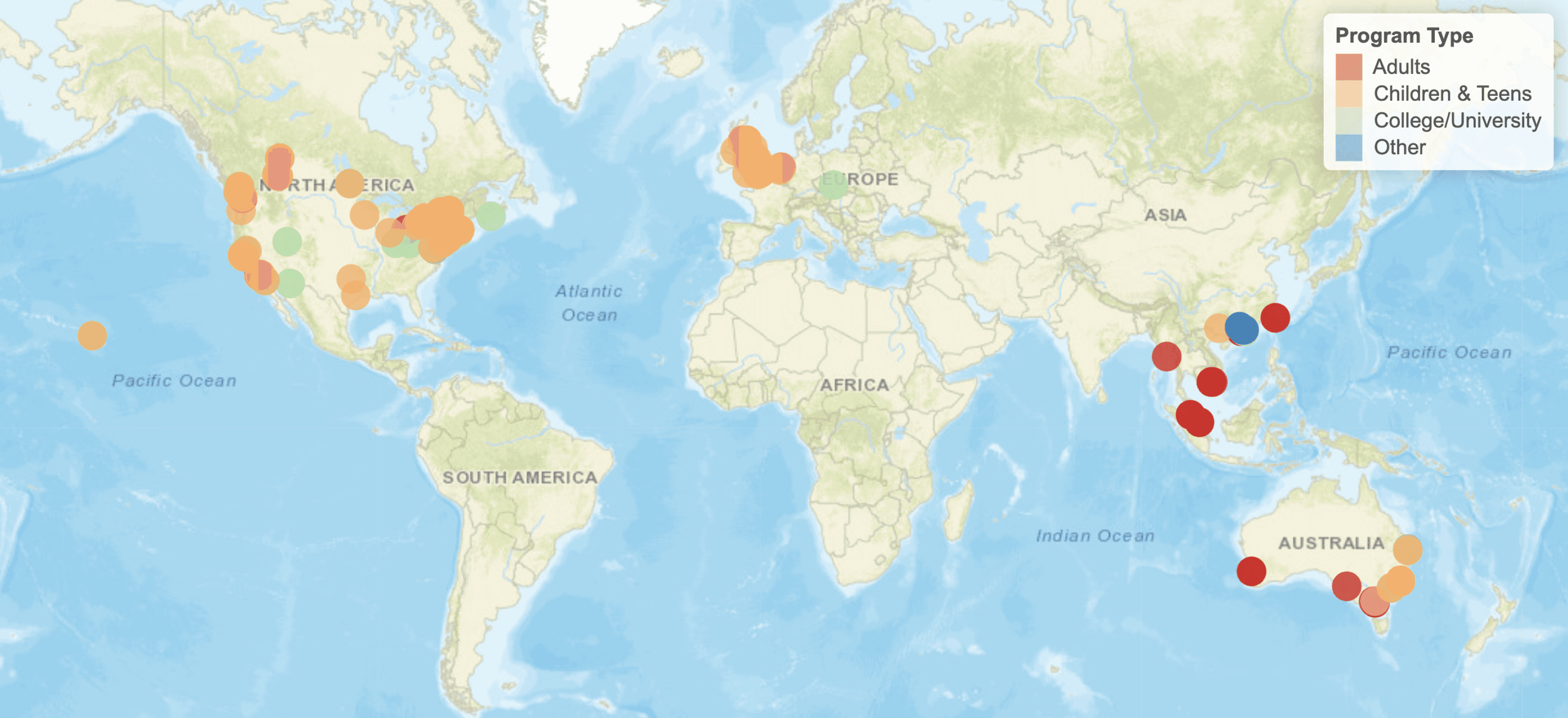
A world map of all the savecantonese chapters
It All Falls on a Few Volunteer Managers
SaveCantonese has multiple volunteer managers whose sole responsibility is to evaluate which volunteers are active and which need to be removed to ensure organizational security. However, this is currently organized in a single Google Sheet, which leads to some complications.

I have to manually input data into the Google Sheets
Cross referencing data is really time consuming and mentally taxing
Volunteer managers are under a lot of stress to manage the organization




Managers must cross reference numerous platforms to see if a certain volunteer is considered "Active"
The Problem
Clearly, there are a few pain points for managers. The process they take to manually manage data in Google Sheets is very taxing.
Security Risks
Managers have to manually scan the spreadsheet for “inactive” volunteers. If they aren’t removed, sensitive data could be leaked.
Manual Labor
The process of "vetting" activity was tedious and prone to human error. Managers have to cross check data across many columns.
Ambiguous
Managers must define arbitrary activity thresholds for inactivity. For example, flagging volunteers who haven't been seen in 6 months.
Research
Understanding the Details
We began with two primary research methods to dig deeper into the problem.
Stakeholder Interviews
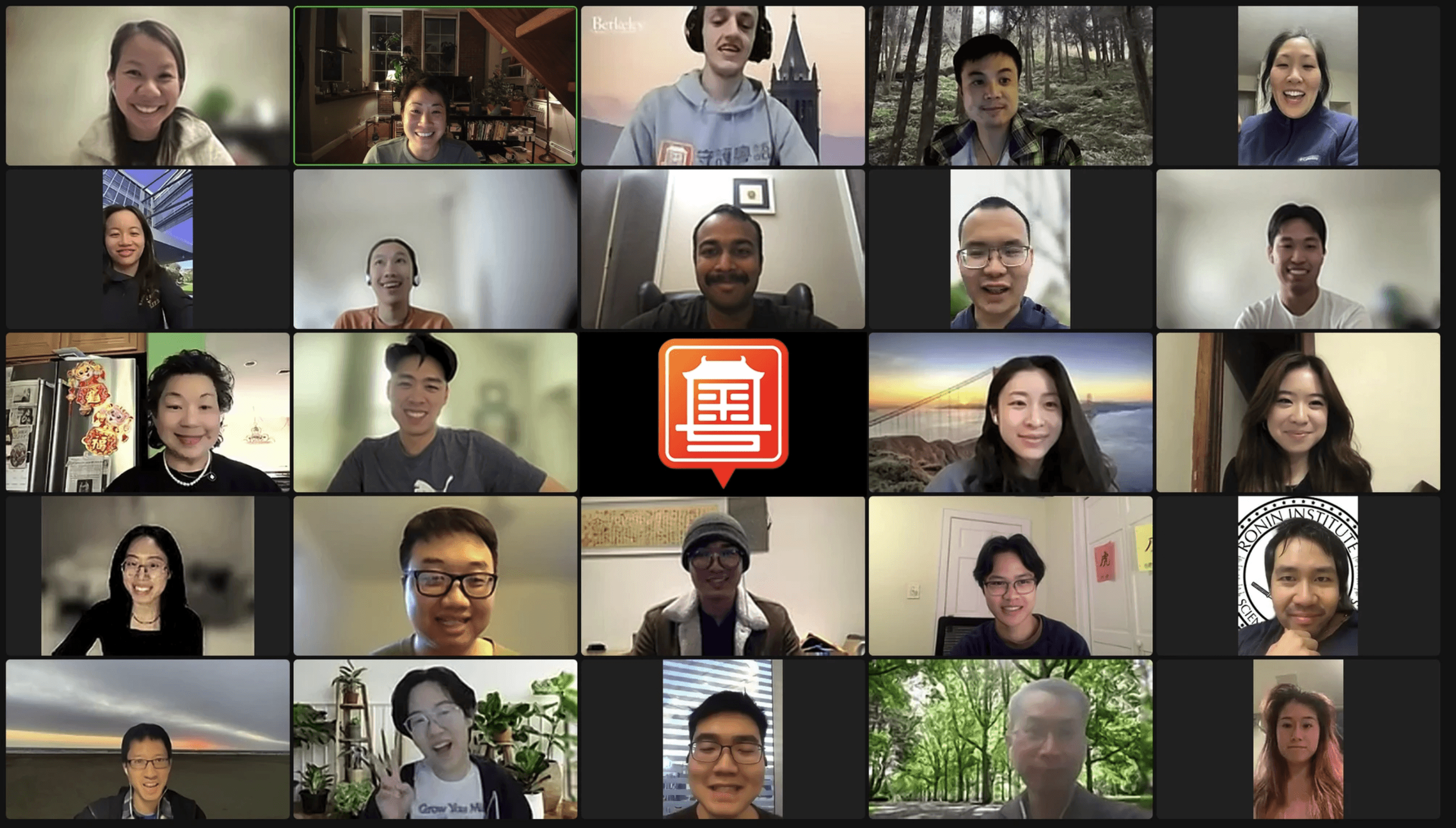
My team interviewed our stakeholders to see their pros and cons with Google Sheets as well as what they wanted to see in our final solution.
They said…
They appreciated the "density" of information in spreadsheets.
They wanted to keep the ability to easily filter and search through the volunteer database.
They wanted an easy way to view flagged volunteers deemed "inactive".
1
Competitive Analysis
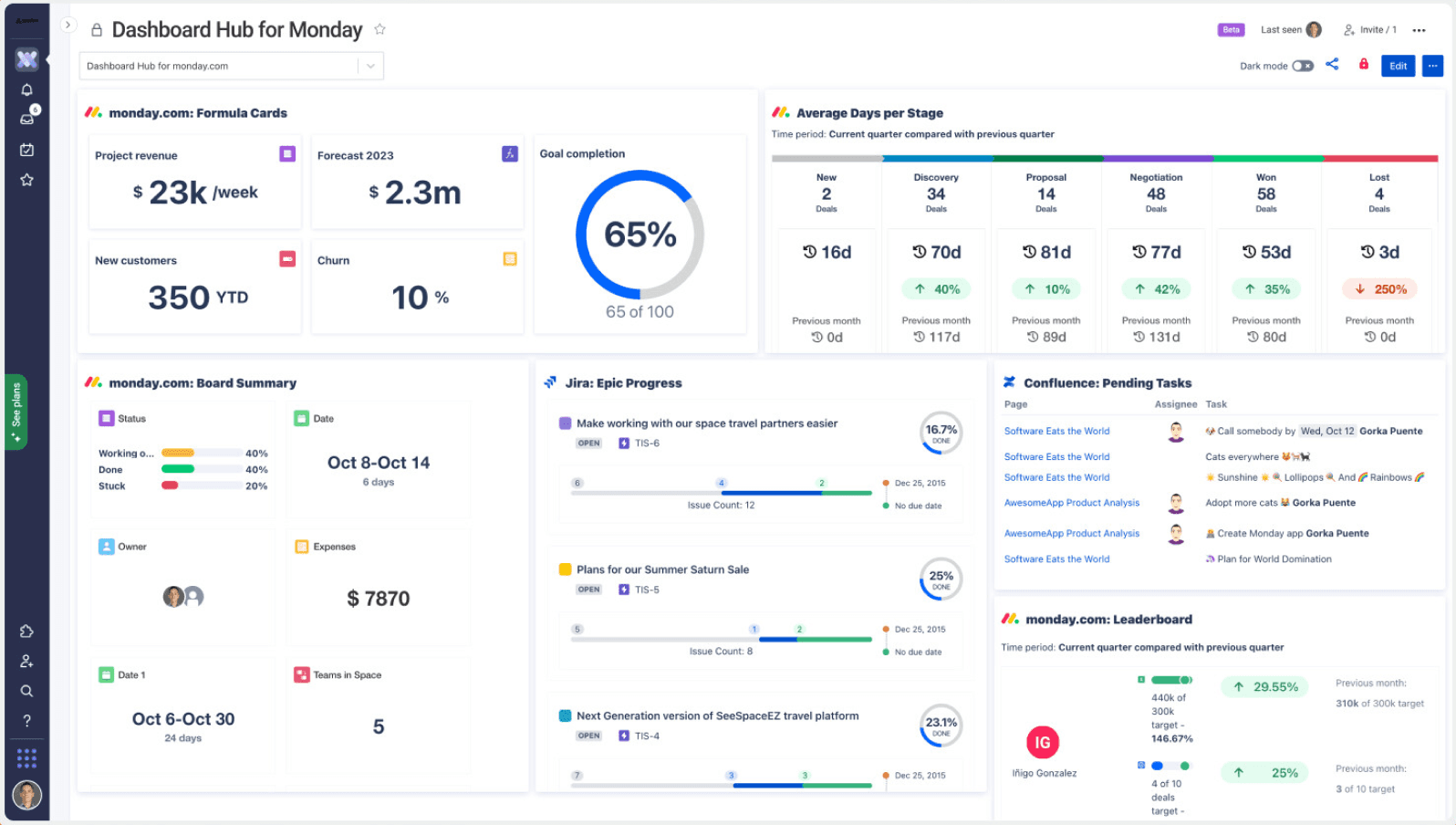
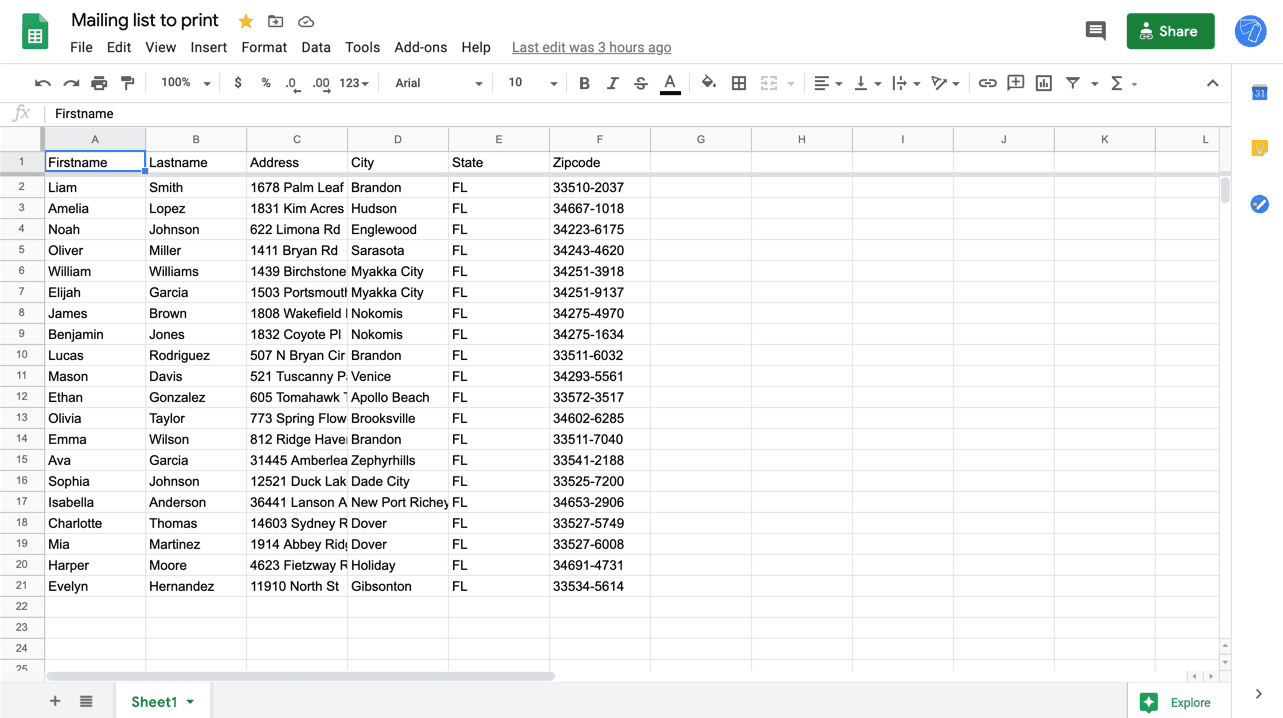
I analyzed tools like Monday.com and Google Sheets to understand where we could improve the user experience in our web app.
Pros
Users loved the "density" of information in spreadsheets.
Cons
They lacked "smart" logic—sheets don't tell you who to email; you have to find them yourself.
Monday.com
Google sheets
2
After our initial research, we concluded that we needed to provide three key functions.
Strong filtering/sorting options to help managers find who or what they want quickly.
The system should automatically flag users as inactive, updated, other status options.
Managers should be able to snooze recommendations and perform actions on volunteers.

Initial Designs
Creating Two Main Views
We started by designing two key pages: a dashboard view and a volunteer view. The dashboard view allowed the managers to get a quick glance of the biggest red flags that needed to be addressed. The volunteer view was allowed the managers to see all the volunteers with filtering and sorting options.
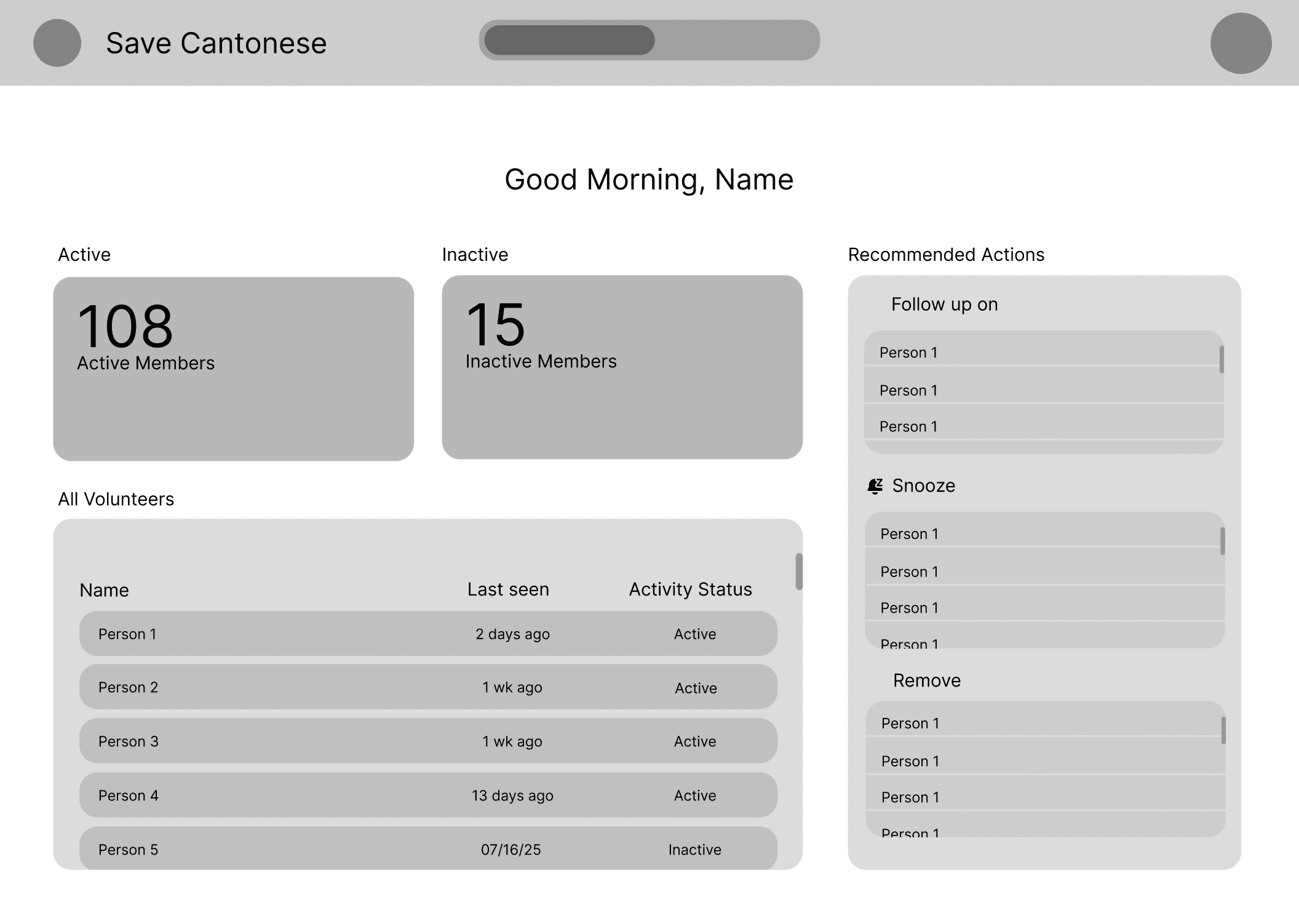
Dashboard Page
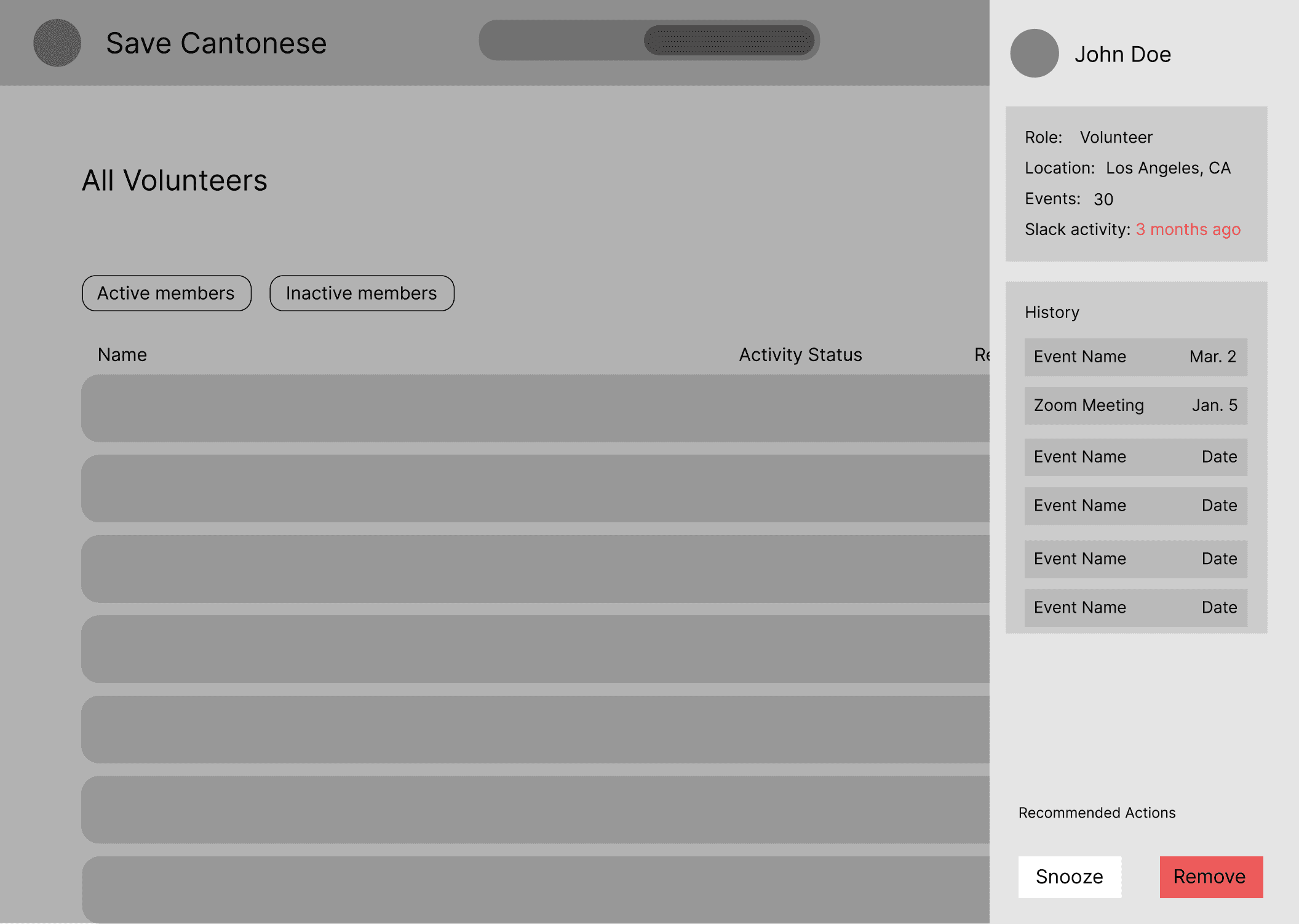
People Page (with detail popup Open)
Testing
Getting Feedback
After chatting with volunteer managers, we heard feedback that instead of having the side panel showing the detailed view of a specific volunteer, the website should act more like an upgraded Google Sheets. So, that is what we implemented.
After testing, we summarized three key feedback points to improve on.
The system shouldn't be too complex. Every volunteer's data should be visible at all times.
Individual volunteers should have a "status" recommended by the system: active, inactive, etc.
We need to pay speacial attention to quick filters and the order of the columns. Both are important.
Final designs
A High-Fidelity Prototype to Hand-off for Development

After the developers finished coding the web-app, we sent it to the volunteer managers and received an amazing response!
